Shop Computer Printers at the Best Prices Online from Ubuy Finland
Computer printers were discovered to print digital media on physical mediums such as hard paper or similar tangible materials. They are typically used in homes, offices and various industries to print text, images and graphics. They are not only used to print a single sheet of paper but can also print entire books, brochures, magazines, posters and greeting cards. They can be connected to computers, laptops, tablets and similar devices to create a print.
We offer a wide range of computer printers from leading manufacturers such as Epson to deliver a clear printing experience with ease.
The entire range of computer printers, from portable to wireless, provides easy printing capabilities for your home, office, or travel needs.
Why Purchase Computer Printers from Ubuy?
Purchasing computer printers from here yields amazing shopping benefits. Here are some benefits you can expect.
Vast Product Collection
The massive product collection includes a variety of computer printers, which provide unlimited printing capabilities for personal and professional use.
Availability of Global Brands
With our fast shipping services, you can shop for international brands such as HP and have them delivered straight to your home. Explore products from the US, UK, and other locations to find the right one for your needs.
Amazing Deals
Enjoy exceptional offers on various products from popular brands such as Brother and leverage special discounts to grab them at the best prices.
Customer Satisfaction
We provide secure payment options, fast delivery services, and reliable customer support to ensure a seamless shopping experience for customer satisfaction.
What’s the Need for Computer Printers?
Computer printers are used for various important purposes at home and in professional settings. Here are the key reasons to use them.
Physical Documentation
Computer printers create physical copies of digital documents for record-keeping, filing, and documenting important papers. This ensures the safety of documents in physical form if the digital copy is lost or destroyed.
Convenience
A printed copy of a document is easy to read, share and annotate during presentations, meetings and discussions. These physical copies also have advantages where digital devices are impractical.
Accessibility
Certain individuals have difficulty reading screens. In particular, the visually impaired and elderly can easily read paper copies compared to digital documents.
Educational Uses
Computer printers can print textbooks, workbooks and other learning materials for education purposes because digital materials cannot provide that engagement and readability to students.
Business Applications
These printers can easily complete daily office tasks such as printing invoices, reports, contracts, and presentations in a couple of minutes.
Creative Projects
Certain professionals and creativity lovers use computer printers to create physical copies of photos, crafts, greeting cards and other creative pieces. This helps them visualise their creativity in a tangible format.
Explore Various Types of Computer Printers Available Here
Discover a variety of computer printers from well-known brands such as djbad. Take a look at some common types of printers.
Inkjet Printers
Inkjet computer printers directly spray ink on the paper to create text and images.
-
They are the best choice for printing beautiful graphics, pictures and photos.
-
These printers can be easily connected to computers, laptops and other computing devices via cable or wireless connections.
-
Most of the Inkjet printers typically have two or more cartridges.
-
These are commonly preferred in homes, offices and small business settings.
Laser Printers
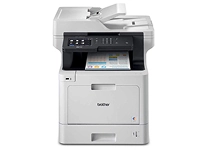
These printers use laser technology to generate high-quality text and graphics on paper.
-
They are generally preferred for printing a large number of documents quickly instead of photos.
-
Laser printers are ideal for business environments which require efficient printing.
-
They use a toner cartridge to infuse fine powder on the paper using heat and pressure.
-
These printers usually have a simplified printing system with one or four cartridges.
All-in-One Printers
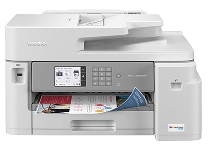
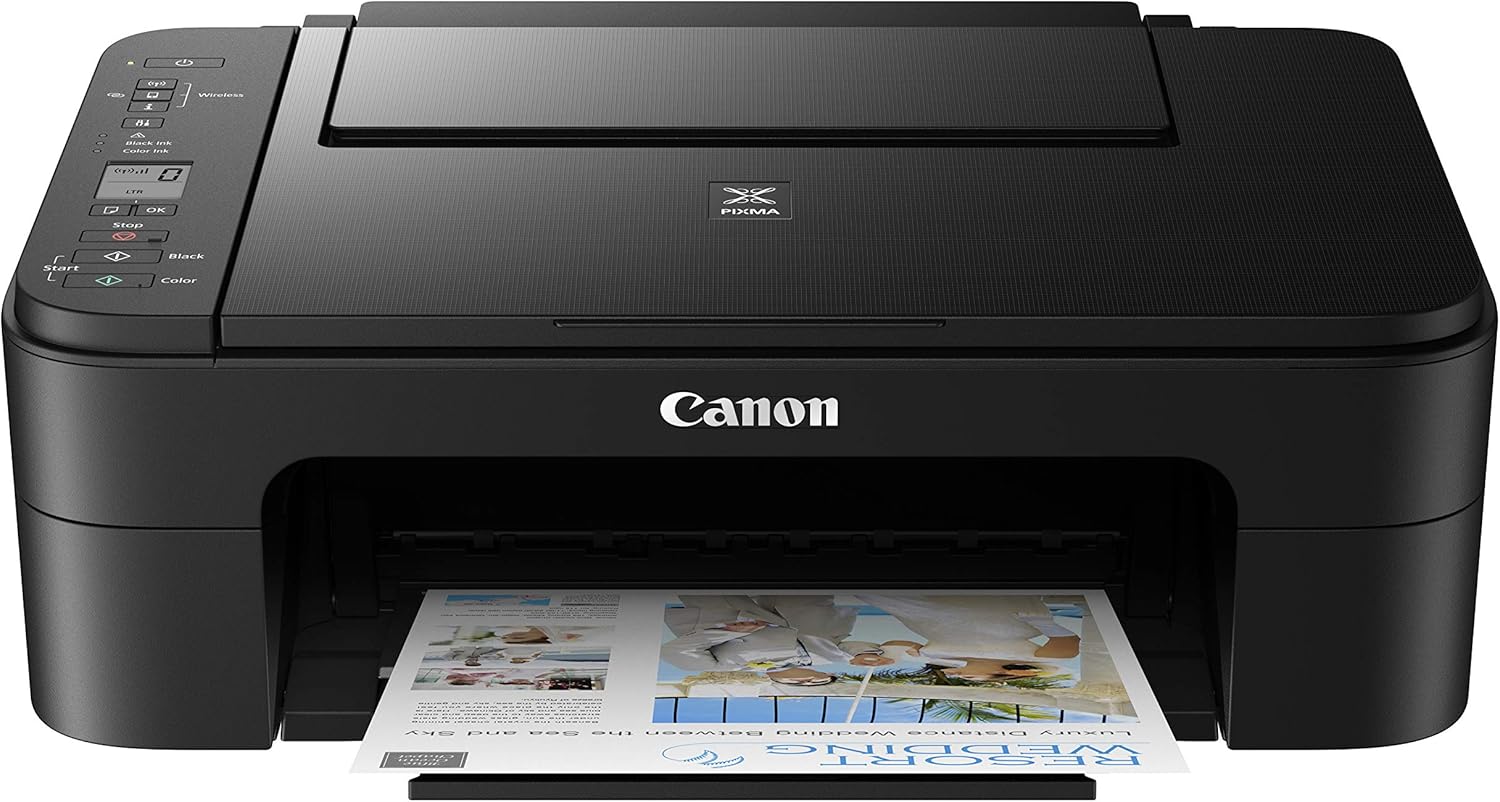
All-in-one printers are multifunctional printers.
-
They provide multiple functions, such as printing, copying and scanning in a single device.
-
They are available with laser as well as inkjet printing technology.
-
All-in-one printers can be wired or wireless computer printers
-
These printers save space in compact places by offering multi-functionality.
Portable Printers
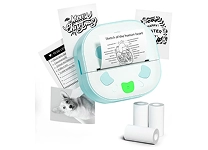
They have a lightweight and compact design.
-
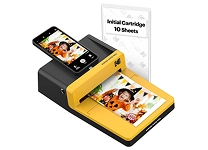
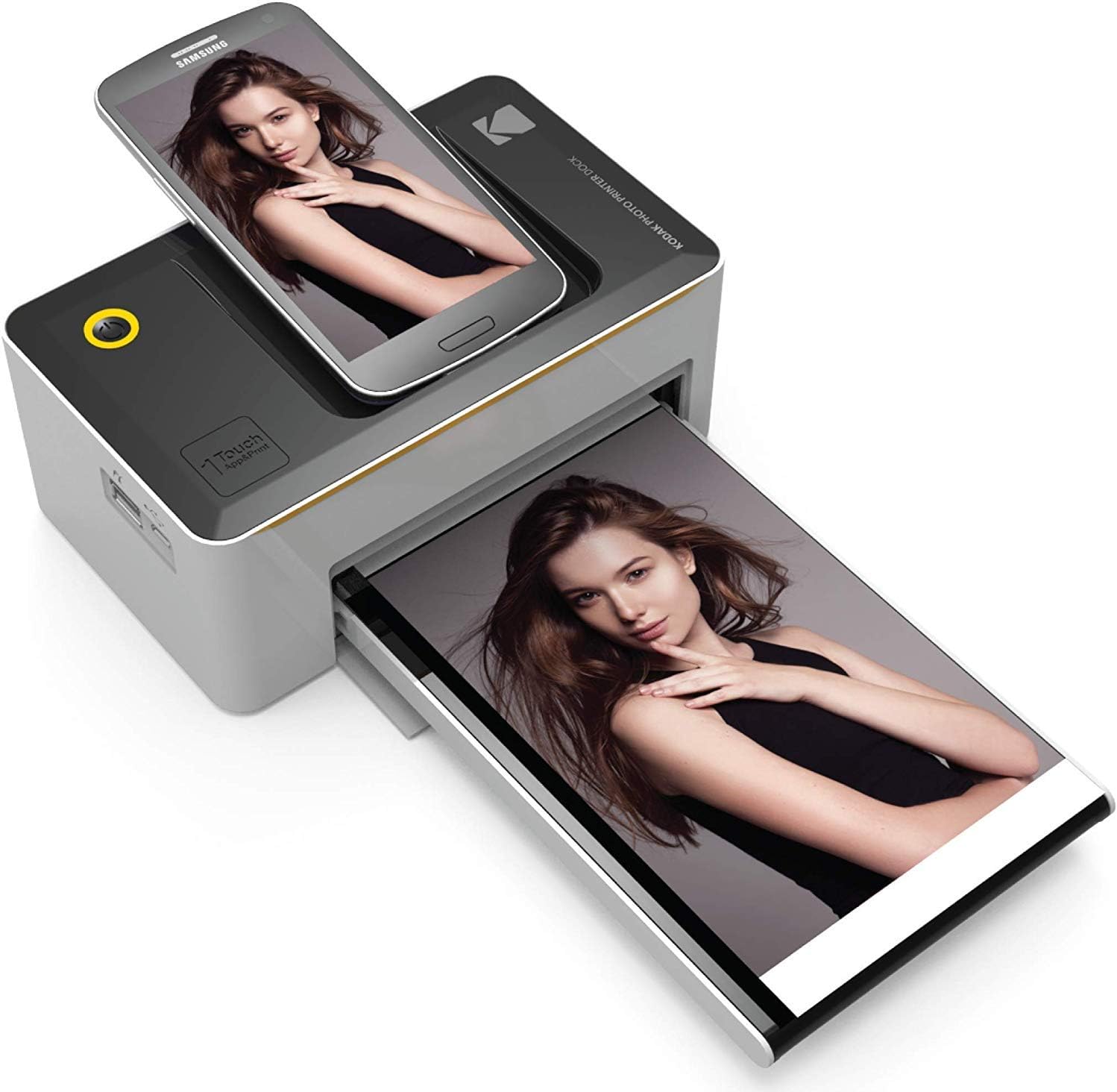
These small portable computer printers are used to print photos from smartphones and other devices.
-
They feature zero ink technology and do not require any ink or cartridges.
-
These small mobile printers are specifically built for frequently travelling photographers.
You can also discover a wide range of printers & accessories to complete regular printing tasks seamlessly.
Quick Maintenance Tips for Printers
Regular maintenance of the printer is also necessary to ensure its smooth functionality and efficiency for a long time. Here are some quick tips for its maintenance.
-
Regularly clean the interior and exterior of the printer, especially the rollers, to remove dust and dirt.
-
Use high-quality paper to avoid paper jams and damage to internal components.
-
Check the ink and toner levels at regular intervals before using it. Replace them if needed.
-
Always keep the software updated to resolve bugs and improve performance.
-
Print one or two pages if you don’t use it regularly to prevent ink clogging in nozzles.
-
Use the built-in maintenance tools to clean the head and ensure proper alignment. This will help maintain good print quality.
In addition, you need to maintain the entire office electronics, particularly computers and cables, in good condition to avoid unwanted printing hassles.
Select the Ideal Computer Printer for Your Home, Business and Creative Needs
We have categorised a variety of computer printers from leading international brands, such as Canon, based on factors such as the number of cartridges, paper size, and needs. Browse this curated list and find the appropriate one for your needs.
| Type | For | Paper Size | No. of Cartridges | Brands |
| Inkjet | Home/Business | A4, A5, B5, DL | 4 | HP |
| Inkjet | Home | A4, A5, B5, Letter | 5 | Canon |
| Laser | Business/Home | A4, Letter | 1 (Black) | Brother |
| Inkjet (Tank) | Home | A4, A5, B5 | 1 (Black) + 3 Color | Epson |
| Laser | Business | A4, Letter | 1 (Black) | Samsung |
| Laser (All-in-One) | Business | A4, Letter | 1 (Black) | HP |
| Inkjet (Tank) | Home/Business | A4, Letter, B5 | 1 (Black) + 3 Color | Canon |
| Inkjet (All-in-One) | Home/Business | A4, Letter | 4 | Brother |
| Inkjet (All-in-One) | Business | A3, A4, A2, B5 | 4 | Epson |
| Laser | Business | A4, Letter, A5 | 1 (Black) + 1 Color | Xerox |
| Laser | Business | A4, Letter, A5 | 4 | Ricoh |
| Laser (All-in-One) | Home/Business | A4, Letter | 1 (Black) | Brother |
| Inkjet (Tank) | Home/Business | A3, A4, A2 | 6 (Color + Black) | Epson |
| Laser (All-in-One) | Business | A4, Letter | 1 (Black) | Canon |
| Inkjet | Home | A4, Letter, 4x6 | 2 | HP |
Take a moment and explore a variety of office supplies to complete your professional routine tasks effortlessly.





















€ 162
6 MONTHS FREE INK when you activate HP+ , fast print speeds, dual-band Wi-Fi, HP Smart App, security essentials
Lue lisää.20eagle16
Overall, I would say this printer is a solid one for its price.rnrnThe paper tray takes some getting used to. (Push the buttons on both sides of the top of the computer's paper tray, and pull that off first. Then pull the paper tray out. Install the paper. Push the paper tray back in. To put the top of the tray back on, push the buttons, and slide it back on.)rnrnHP's instructions on how to install ink is missing one piece of the puzzle: there is a "button" on the left-hand side of the lid that needs to be pushed to open the cover to get to the ink cartridges area. (DO NOT FORCE OPEN THE LID, OR YOU WILL BREAK IT.) I would suggest using the eraser end of a pencil or a pen that has not been pushed open for writing (hope that make sense) to push down on the button. Push down and open the lid. Otherwise, you are going to have to push really hard with your finger.rnrnBut, the one thing that was very frustrating for me was printing envelopes within Word. For example, I use #10 envelopes (generally referred to as business envelopes). I have used the mailing/envelopes feature within Word for many many years, and so I know what I am doing. Nevertheless, the print on the envelopes kept coming out with hashy-wiggley odd printing. A postal carrier could never read it.rnrnAfter getting nowhere with HP Support, I decided to launch the HP Smart application that comes with the printer and resides on the computer. I did so and just had a look around. I noticed that the automatic hardware updates was not turned on. I turned it on, and began to test again.rnrnLong story short, the printing of envelopes from Word was successful. If you have a similar problem, you might want to try this. However, after you have turned on the automatic hardware updates, wait for a few minutes (let's say five minutes). Next, turn your printer off and then turn your computer off. Wait for 30 seconds. Turn your PRINTER on, then, after waiting a minute for the printer to be fully up and running, turn on your computer.rnrnThis process helped me. If you experience the above, I hope this helps you as well.rnrnAgain, I find the printer to be overall fine in printing letters, scanning documents, and printing photos. People have mentioned something about it making clicking noises when not in use. I have no idea what they are talking about. My HP OfficeJet 8015e printer is very quiet. And, though it does not have the paper capacity of my much older and much bigger printer, I find that the amount of paper that I can put into the printer at a time is sufficient...and, most important, as I have grown older, the printer is not heavy.rnrnI hope this review helps you.